Create a Survey Automatically with AI
Tell AI your goal, and it drafts a survey in your store's language with questions and channel picked.
Start creating with AI
On the Surveys page, click Create new survey. Then choose Create with AI, the option that says "Let AI build a survey tailored to your store".
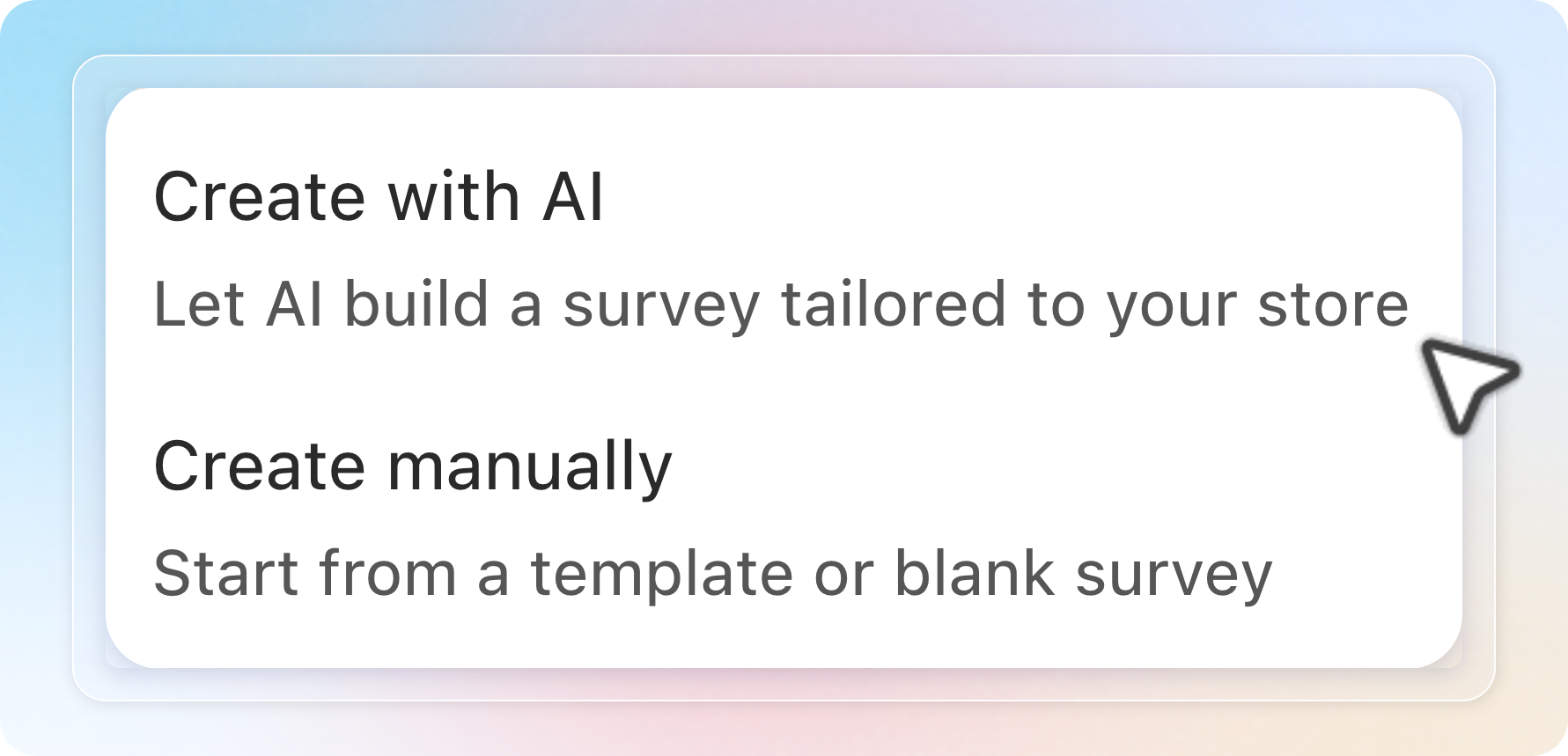
Choose your survey goal
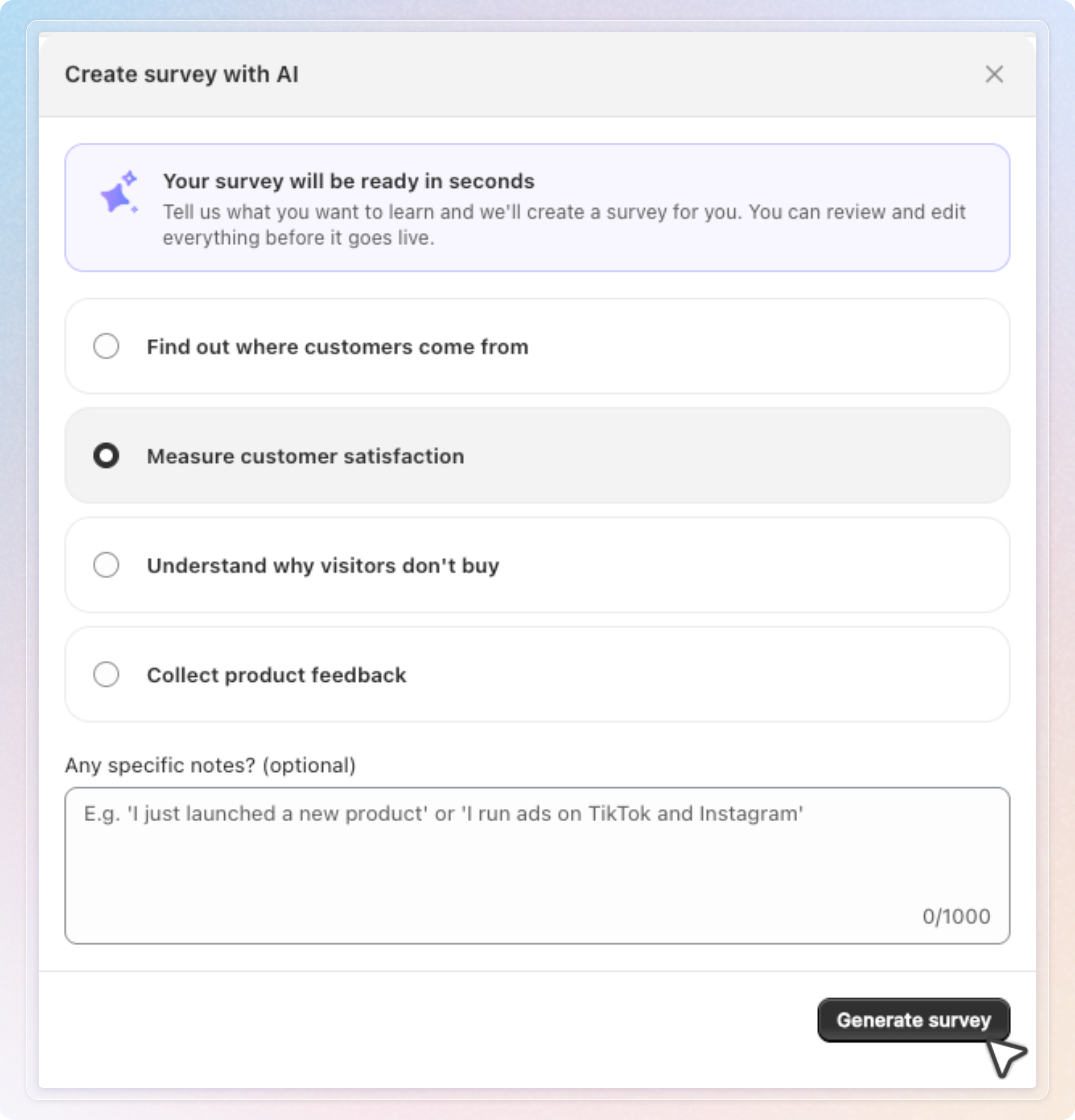
The Create survey with AI window has one step. Pick what you want to learn:
| Goal | AI generates questions to... |
|---|---|
| Find out where customers come from | Track attribution / marketing source, such as Instagram, TikTok, Google, or referrals |
| Measure customer satisfaction | NPS / CSAT-style questions |
| Understand why visitors don't buy | Uncover purchase objections |
| Collect product feedback | Gather feedback on a specific product |
Add notes (optional)
Under Any specific notes? (optional), tell AI anything extra. For example, "I just launched a new product" or "I run ads on TikTok and Instagram."
- You can write up to 1,000 characters. The counter in the field always shows where you are, and a warning appears at 900.
- Ask for a specific number of questions here, for example "2 questions". AI caps a survey at 10 questions.
- Write questions you want used word for word. AI keeps them when they are in the survey language and translates them when they are not.
- Write your notes in any language. The language of your notes does not change the language of the survey.
Generate your survey
Click Generate survey. AI writes the survey and opens it in the editor as a draft.
Nothing is saved yet. Click Save to create the survey. Click Discard to drop the draft and return to the Surveys page with nothing created.
If generation fails, a banner shows the error. Click Try again to retry the same request, or Create manually to skip AI and open the template gallery.
Check where your survey shows
After you save, Home states where the survey will appear. For example, "Your survey will show right after customers check out." Click Change where it shows to pick another channel.
If the survey uses the Thank you page, a short guide opens after the first save. Follow it to add the survey block in the checkout editor. See Thank-you page for checkout extensibility.
How It Picks Questions, Language, and Channel
Questions. AI selects question types that fit your goal: single choice, NPS, star rating, open text, and more. The default is 3 questions. Ask for a different number in your notes, up to 10.
Language. AI writes every customer-facing text in your store's primary language, including the thank-you card. If the store language is not available, it uses the language you use in the app, then English. To get another language, ask for it in your notes, for example "write the survey in Spanish".
Display channel is chosen automatically based on your goal:
| Goal | Display channel |
|---|---|
| Find out where customers come from | Thank you page |
| Measure customer satisfaction | Thank you page |
| Understand why visitors don't buy | Exit intent |
| Collect product feedback | Thank you page |
Mentioning specific words in your notes overrides the default and steers the channel:
| Words in your notes | Display channel |
|---|---|
| "exit intent", "when leaving", "about to leave" | Exit intent |
| "checkout", "after purchase", "post purchase", "thank you page" | Thank you page |
| "on product", "product page", "product detail", "on site", "popup", "on store" | On-site survey |
| "branded page", "survey link", "share link" | Branded survey page |
Tips
- Review before saving. AI generates a starting point. Check question wording and the picked channel in the editor before you click Save.
- Be specific in your notes. Mentioning your product type or a recent launch helps AI write more relevant questions.
- Check the status after saving. If your store already has the maximum active surveys for your plan, the survey is saved as Inactive. Home says why. Turn it on from the survey list once you have room, or upgrade your plan.
Related Articles
Note: Available on all plans.