Score mode for quizzes
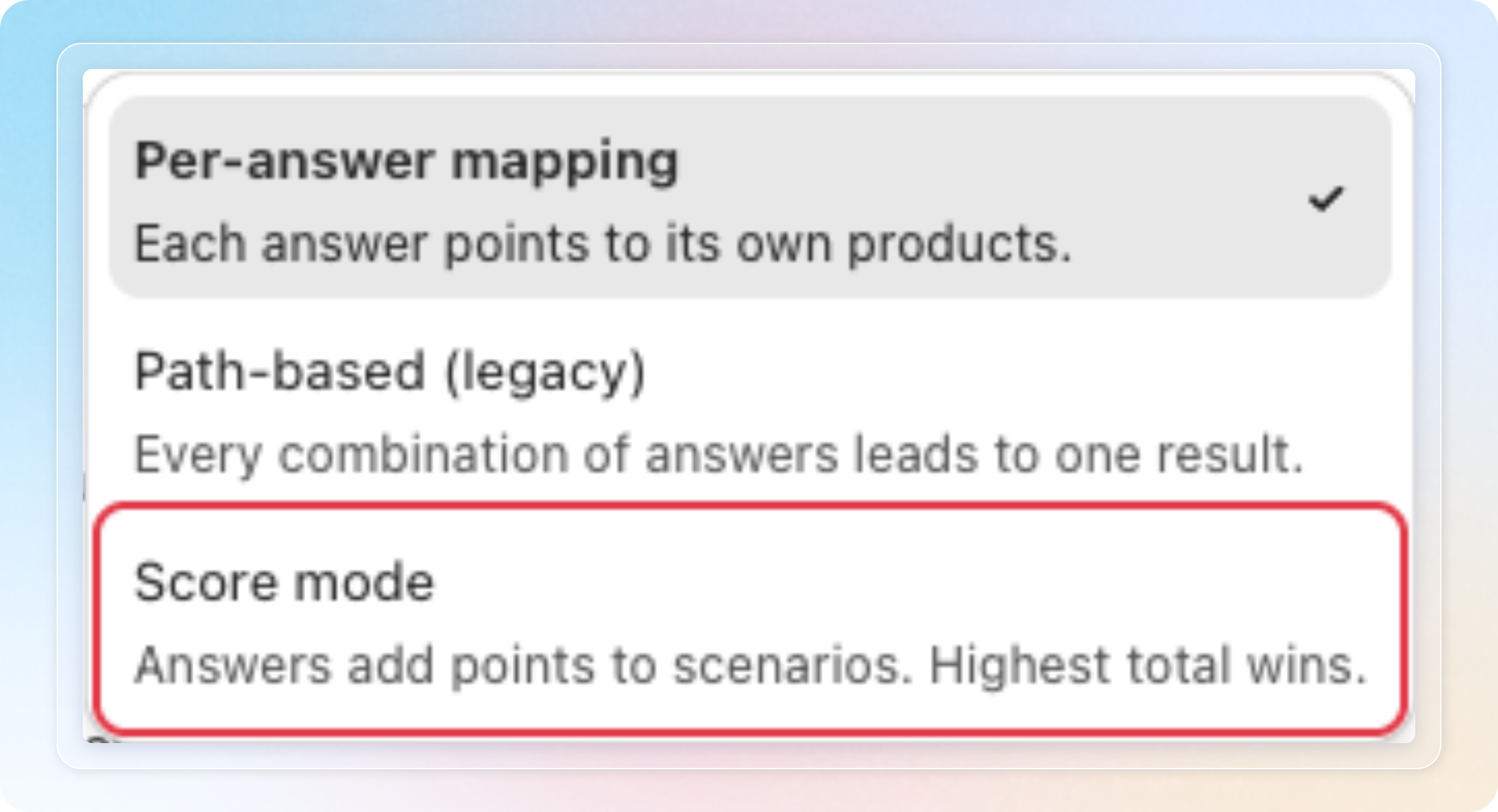
Quizzes have a third way to pick a result. In Score mode, every answer adds points to your scenarios, and the scenario with the highest total wins. Its products then show on your result page.
Score mode is available on all plans. Unlike Path-based (legacy), it works with multiple choice questions.
How to use
Open a quiz, then click the Result logic tab. Click the method button in the top bar and choose Score mode.
See Recommend products with Score mode for the full walkthrough.
Things to know
- Switching method is lossless. Your Per-answer mapping and Path-based setup stay saved. Path-based stays locked while your quiz has a multiple choice question.
- The first time a quiz moves to Score mode, the app adds two named scenarios without products.
- The How Score mode works explainer opens by itself once per store.
- A quiz needs at least 2 named scenarios before it will save.
- Every scenario needs products before you can set the quiz to Active.
- Ties are broken by list order. Drag a scenario higher to make it win a tie.