Multiple questions on one page (Sections)
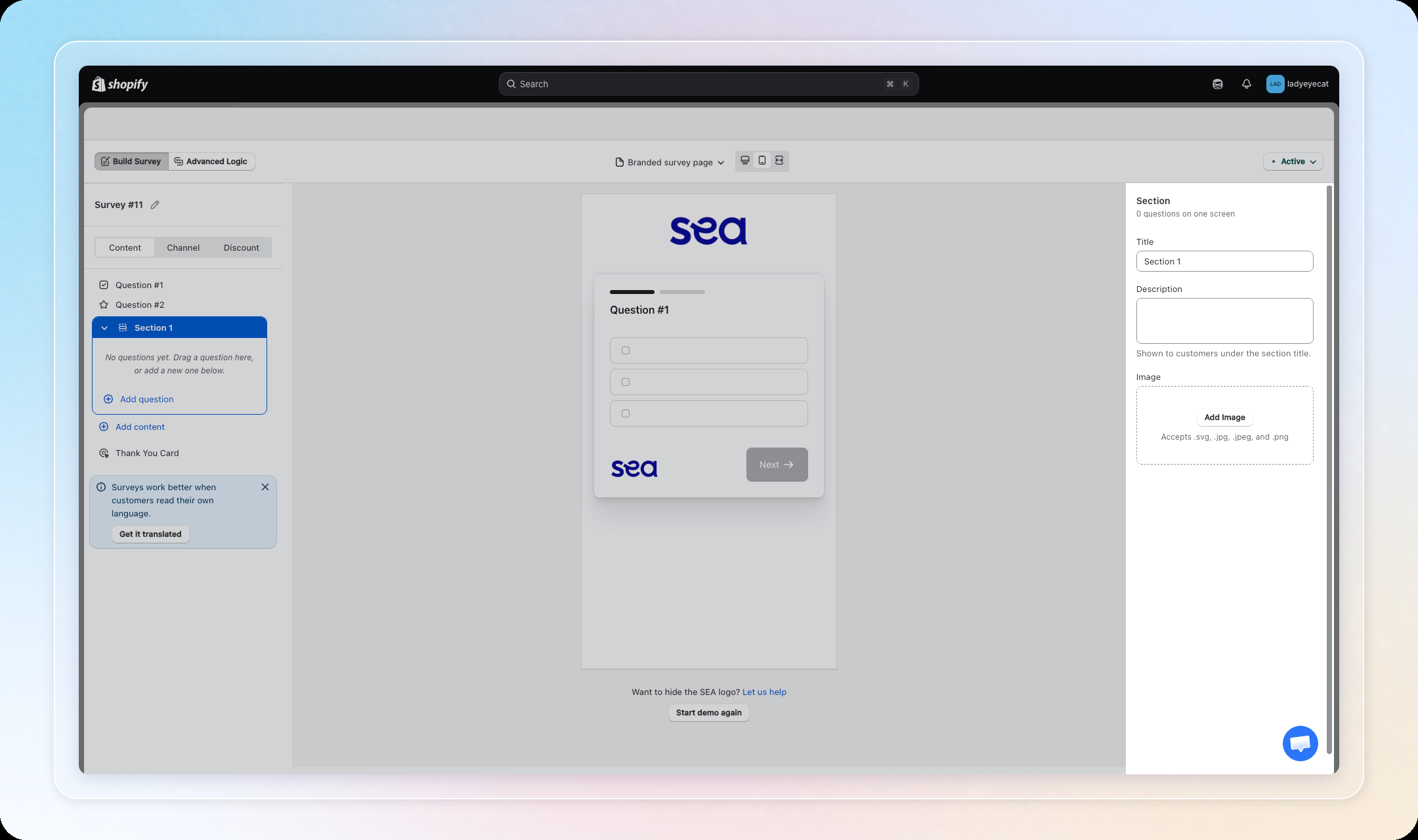
Group two or more related questions onto a single screen with a shared Next button, instead of one question per screen.
Available on the Growth plan and above. Works on branded survey pages, on-site widgets, exit intent, and the post-purchase page, not on post-purchase email or embed email.
⚠️
Grouping questions into a section disables Advanced Logic for that survey (rules are kept, not deleted). Break the section to dissolve it and re-enable Advanced Logic.
How to use: In the survey editor's Content tab, click Add content > Section, or drag one question onto another to group them. See Content Setup for the full walkthrough.