# Welcome to SEA Survey
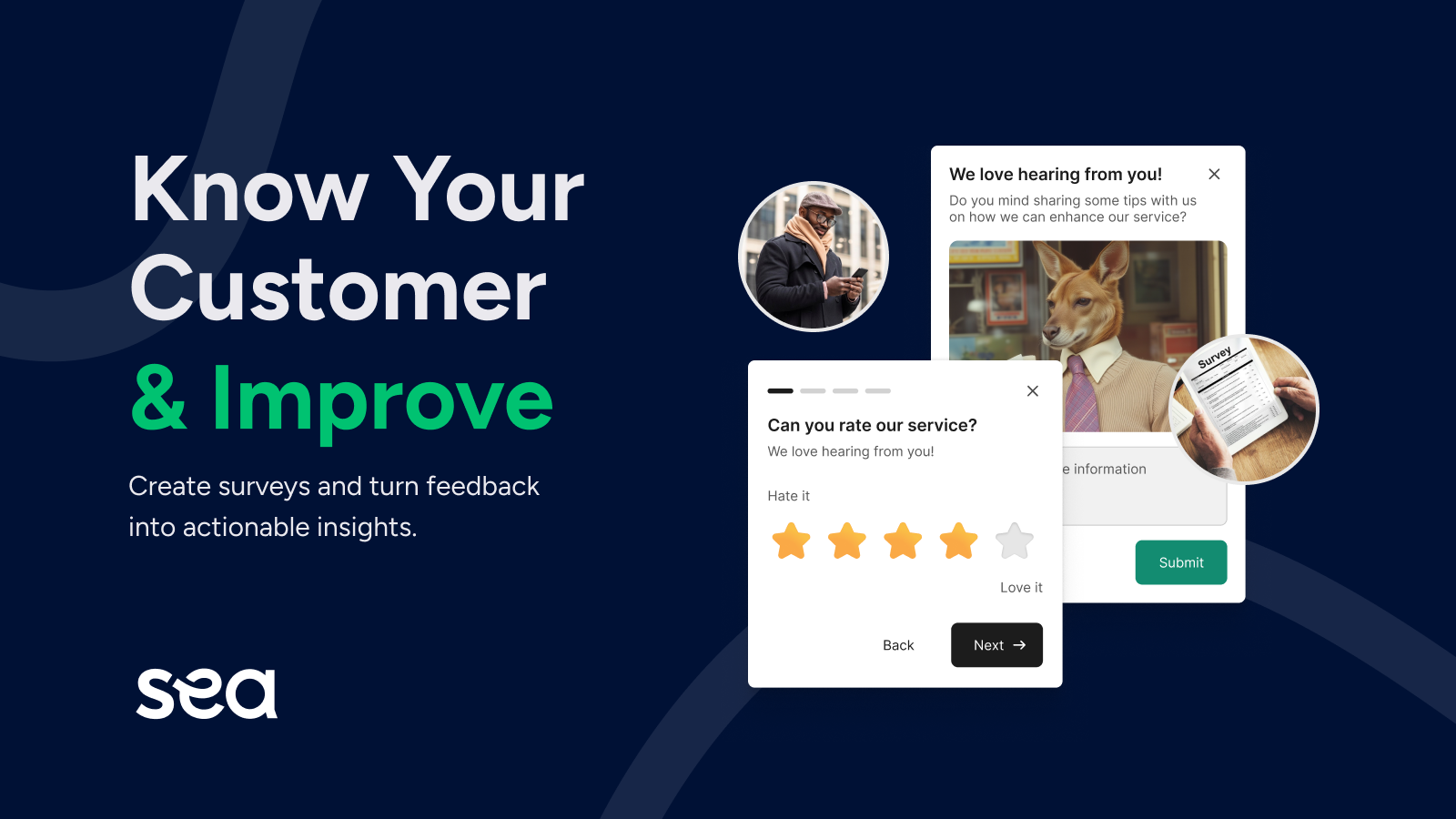
<figure><img src="https://1869453691-files.gitbook.io/~/files/v0/b/gitbook-x-prod.appspot.com/o/spaces%2FKZSI4tjvEoDHpPaoQ700%2Fuploads%2Fd5SdgOSg8PmbSbK8K41J%2Fimage.png?alt=media&#x26;token=3924463d-fe31-47dd-8792-b578442ecaa5" alt=""><figcaption><p>SEA Survey - Create surveys and turn feedback into actionable insights</p></figcaption></figure>

Thank you for choosing **SEA Survey** to enhance your Shopify store! 🌟

This guide will help you get started with creating, managing, and analysing surveys to better understand your customers and grow your business.

### Why you should use SEA Survey

Understanding your customers is the key to growing your business, and surveys are a powerful way to get those insights. By asking the exact questions you need answers to, you can uncover helpful and surprising insights that pure data can never tell.&#x20;

That’s where **SEA Survey** comes in! With **SEA Survey**, you can get closer to your customers and understand what makes them tick.

Here’s how it can help:

* **Understand the shopping experience:** See what customers love (or don’t) about their journey in your store.&#x20;
* **Solve unfinished purchases:** Discover why some customers abandon their carts.&#x20;
* **Track your best marketing channels:** Learn which platforms bring customers to your store and double down on what works.&#x20;

### What we can do to help (To be updated)

<table data-view="cards"><thead><tr><th></th><th></th><th></th><th data-type="content-ref"></th><th data-hidden data-card-cover data-type="files"></th><th data-hidden data-card-target data-type="content-ref"></th></tr></thead><tbody><tr><td><strong>Survey Setup</strong></td><td>You can choose a template, setup the questions and target as well as distribute your surveys.</td><td></td><td></td><td><a href="https://1869453691-files.gitbook.io/~/files/v0/b/gitbook-x-prod.appspot.com/o/spaces%2FKZSI4tjvEoDHpPaoQ700%2Fuploads%2FdkFAbftQ4vqghH9v3Im6%2FWelcome%20-%20Card%201.png?alt=media&#x26;token=96c61a15-b6f1-4e68-8a7f-dd9ec8bfd467">Welcome - Card 1.png</a></td><td><a href="survey-setup">survey-setup</a></td></tr><tr><td><strong>Survey Management</strong></td><td>An all-in-one place whether you can take an general view over your surveys.</td><td></td><td></td><td><a href="https://1869453691-files.gitbook.io/~/files/v0/b/gitbook-x-prod.appspot.com/o/spaces%2FKZSI4tjvEoDHpPaoQ700%2Fuploads%2FWv2pXnq7TUEuAqwiC4Do%2FWelcome%20-%20Card%202.png?alt=media&#x26;token=fe6830fc-cb46-43e8-8cc2-59a503daaaea">Welcome - Card 2.png</a></td><td><a href="survey-management">survey-management</a></td></tr><tr><td><strong>Response Management</strong></td><td>See responses in details to better analyze each survey.</td><td></td><td></td><td><a href="https://1869453691-files.gitbook.io/~/files/v0/b/gitbook-x-prod.appspot.com/o/spaces%2FKZSI4tjvEoDHpPaoQ700%2Fuploads%2FvI1BNOteu7AWPg0WX47I%2FWelcome%20-%20Card%203.png?alt=media&#x26;token=465c97f1-1ddc-4b36-a8e0-ef91181c3bd9">Welcome - Card 3.png</a></td><td><a href="response-management">response-management</a></td></tr></tbody></table>

We’re excited to see how you use **SEA Survey** to grow your business. Let’s get started and make every customer interaction count! 🚀


---

# Agent Instructions: Querying This Documentation

If you need additional information that is not directly available in this page, you can query the documentation dynamically by asking a question.

Perform an HTTP GET request on the current page URL with the `ask` query parameter:

```
GET https://help.seacommerce.io/welcome-to-sea-survey.md?ask=<question>
```

The question should be specific, self-contained, and written in natural language.
The response will contain a direct answer to the question and relevant excerpts and sources from the documentation.

Use this mechanism when the answer is not explicitly present in the current page, you need clarification or additional context, or you want to retrieve related documentation sections.
