Thank-you page for checkout extensibility
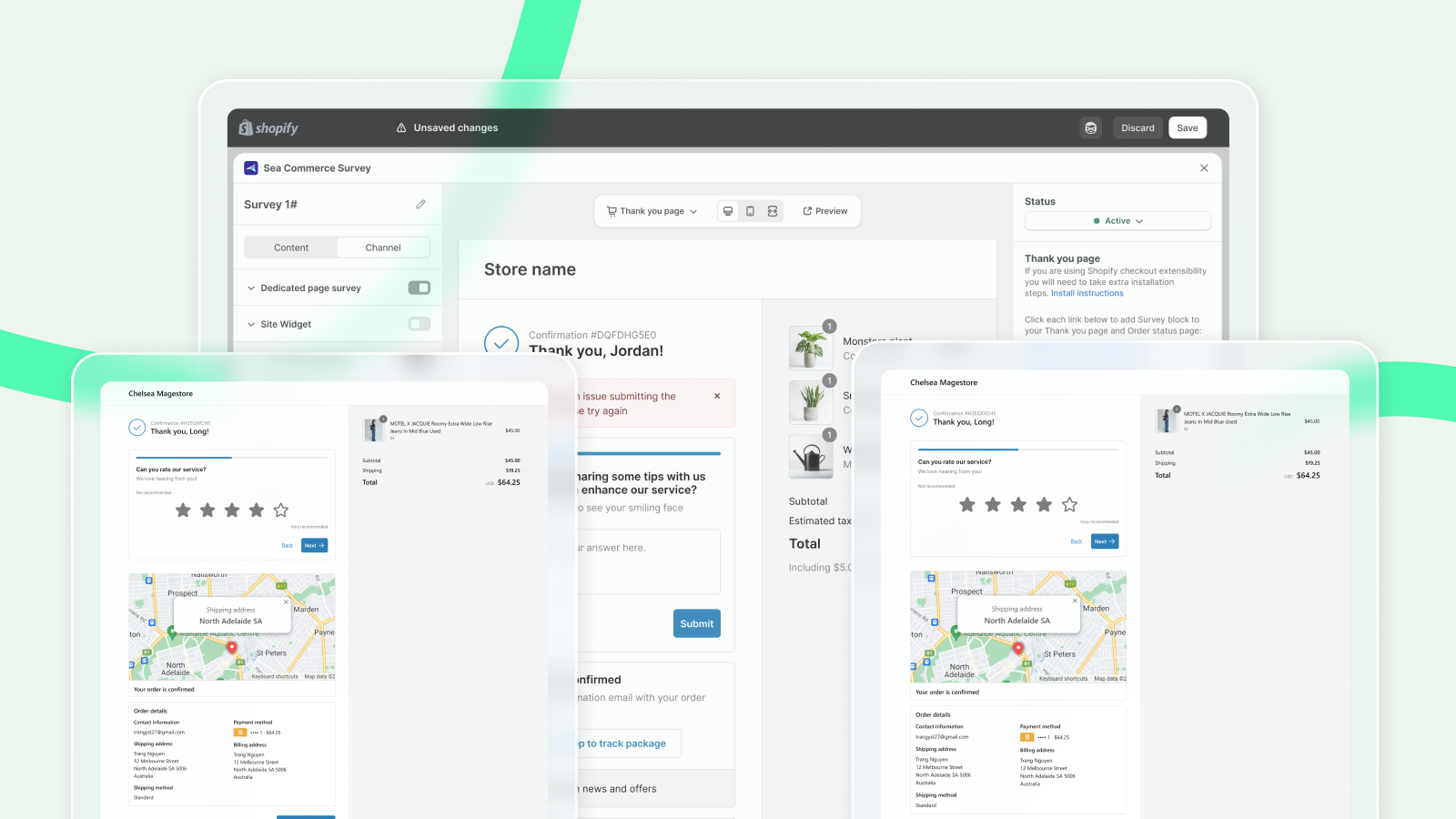
By placing surveys on key pages like the Thank you and Order status pages, you can engage customers at a critical moment when their experience is fresh in their minds.
In this section, we’ll explore how to effectively distribute surveys using SEA Survey. We’ll also cover how Checkout extensibility—Shopify’s customizable, app-based solution—enables you to seamlessly integrate surveys into your purchase journey, ensuring a smooth, branded experience for your customers.
This feature is only available for merchants using checkout extensibility (opens in a new tab) to manage their thank-you page and order status page.
What is checkout extensibility
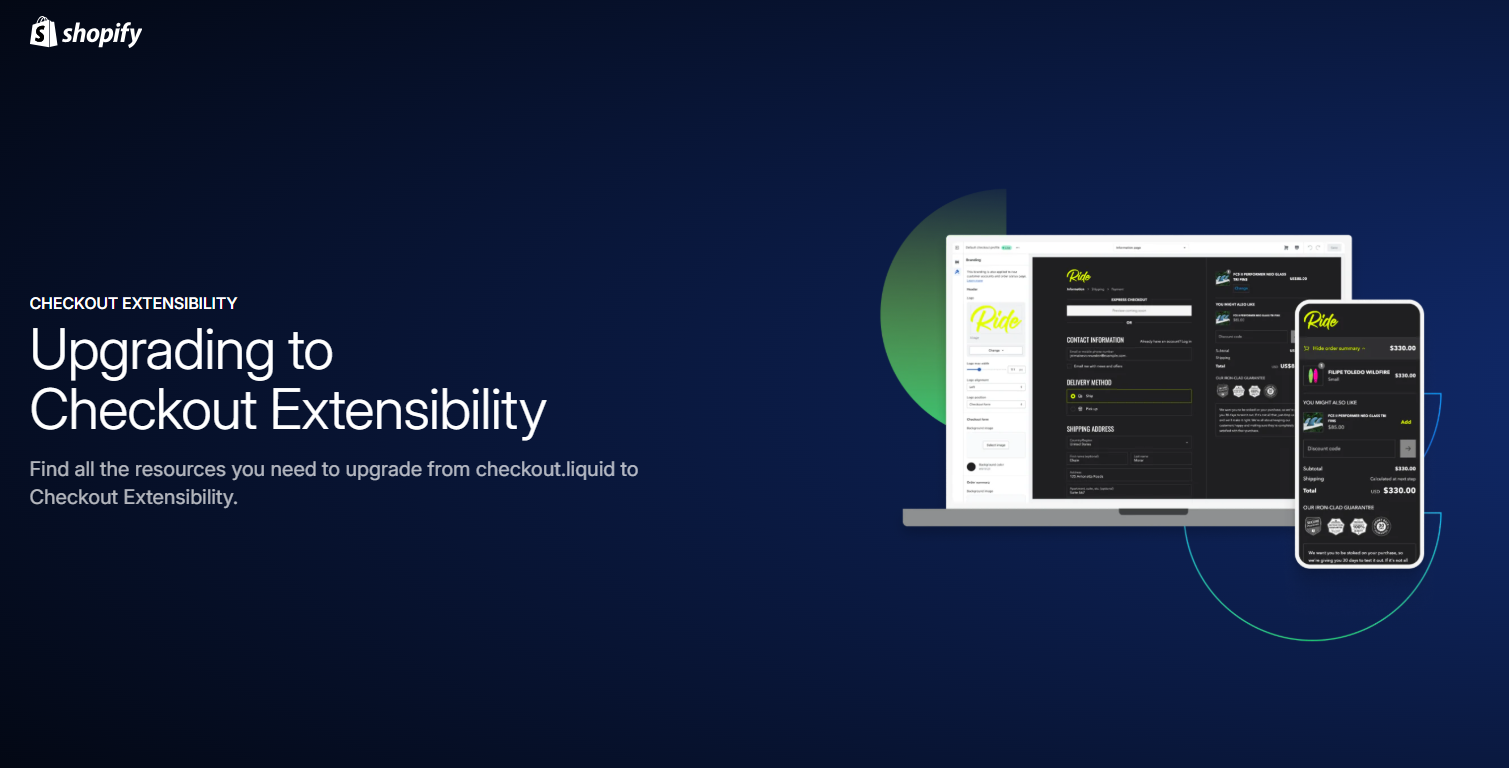
Checkout Extensibility is a robust set of platform features designed to simplify customizing your checkout with app-based solutions that are upgrade-safe, high-performing, and seamlessly compatible with Shop Pay.
It enables you to create no-code customizations using apps and branding tools or leverage components and APIs to design fully tailored checkout experiences.
You can check the more details about Checkout Extensibility here (opens in a new tab).
How to set up thank-you and order status page survey
Below is the step-by-step guide to set up thank-you and order status page channels for your survey:
Get access to Thank you page channel
From Channel tab, you can easily find Thank you page section. You can switch the toggle to turn it on or off
Set up user targeting
You can choose to targeting your survey to groups of users
- All users: Display the survey to all site visitors.
- A segment of users: Limit survey visibility to users tagged within a specific segment.
- By user tag
- New customers
- Customers who haven't placed any orders in your store
- Customers filling surveys without logging in (treated as new customers by default)
- First-time buyers at checkout (identified by email address)
- Returning customers
- Customers with at least one completed order in your store
- Identification based on email address matching previous orders
- Logged-in customers with order history
Choose display type
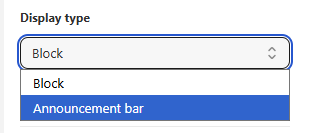
You can choose to place your survey in post-purchase page in the form of a Block or an Announcement bar.
Add a Survey Block
Select Block as the display type. Then click the link from SEA Survey to open your Thank you page in the Shopify theme editor. Click the + button, select the SEA Survey block, and drag it to your preferred position in the Sections area.
You need to Save twice to get the survey visible to customers:
Savefrom SEA Survey after setting upSavefrom your Shopify theme after placing the survey block
Add a Survey Announcement Bar
Select Announcement bar as the display type. You can customize the bar text under Content (default: "We'd love to hear your feedback!") and the button label under Button text (default: "Take a quick survey").
Then click the link from SEA Survey to open your Thank you page in the Shopify theme editor. Click +, select the SEA Survey announcement bar block, and save.
You need to Save twice to get the announcement bar visible to customers:
Savefrom SEA Survey after setting upSavefrom your Shopify theme after placing the block
That's it! Now your customers can freely share their thoughts on the whole shopping experience and what led to their buying decision.