Point of Sale (POS) channel
Run your survey directly on a POS device. A new Point of Sale channel adds SEA Survey as an Action extension on the Customer detail page and/or Post-purchase page in POS.
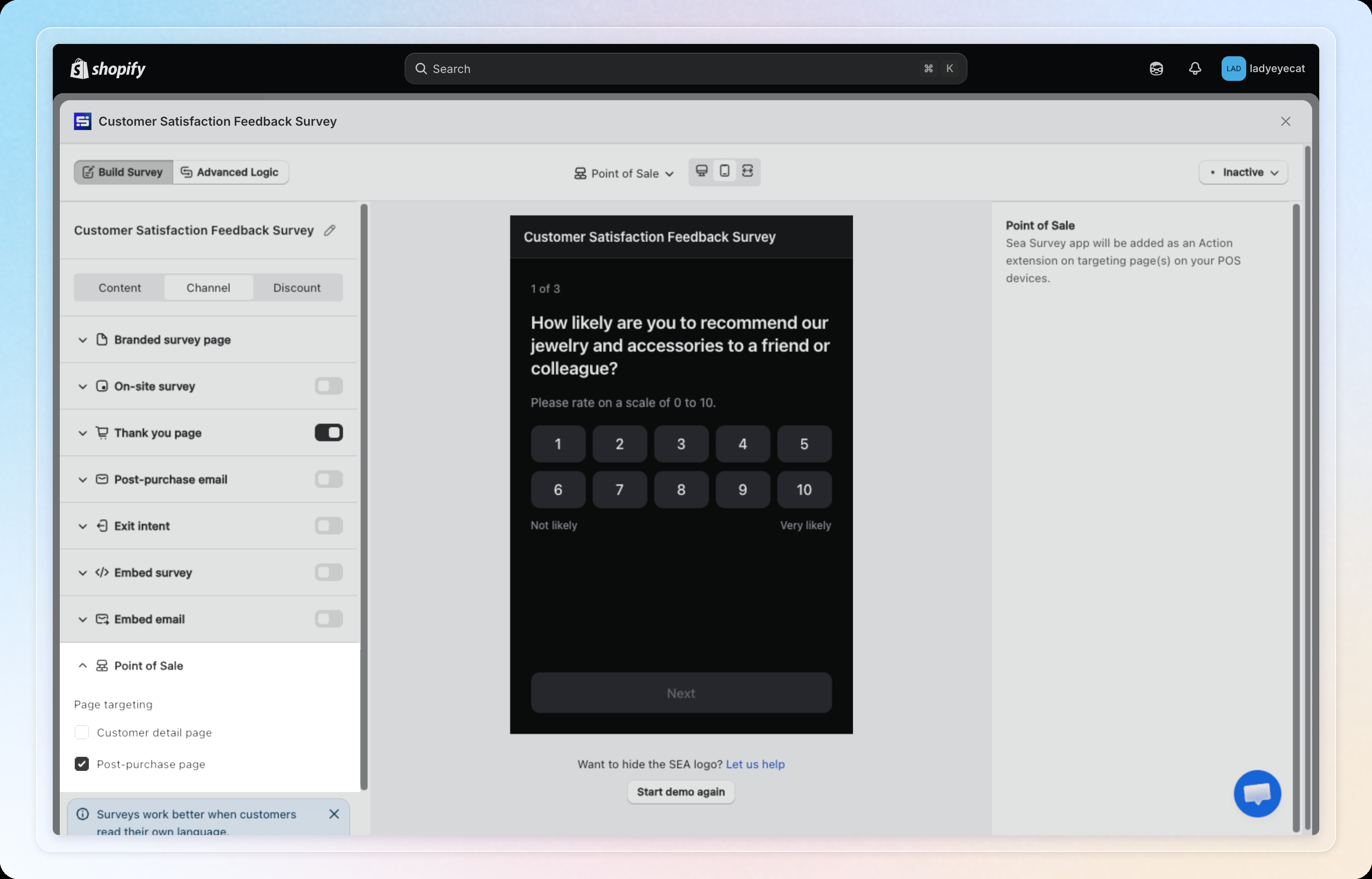
How to use: In the survey editor's Channel tab, select Point of Sale, turn it on, and choose which POS page(s) to target. See Point of Sale (POS) for the full walkthrough.